ANVISA, Inmetro and MAPA: automated label checks in eyeView
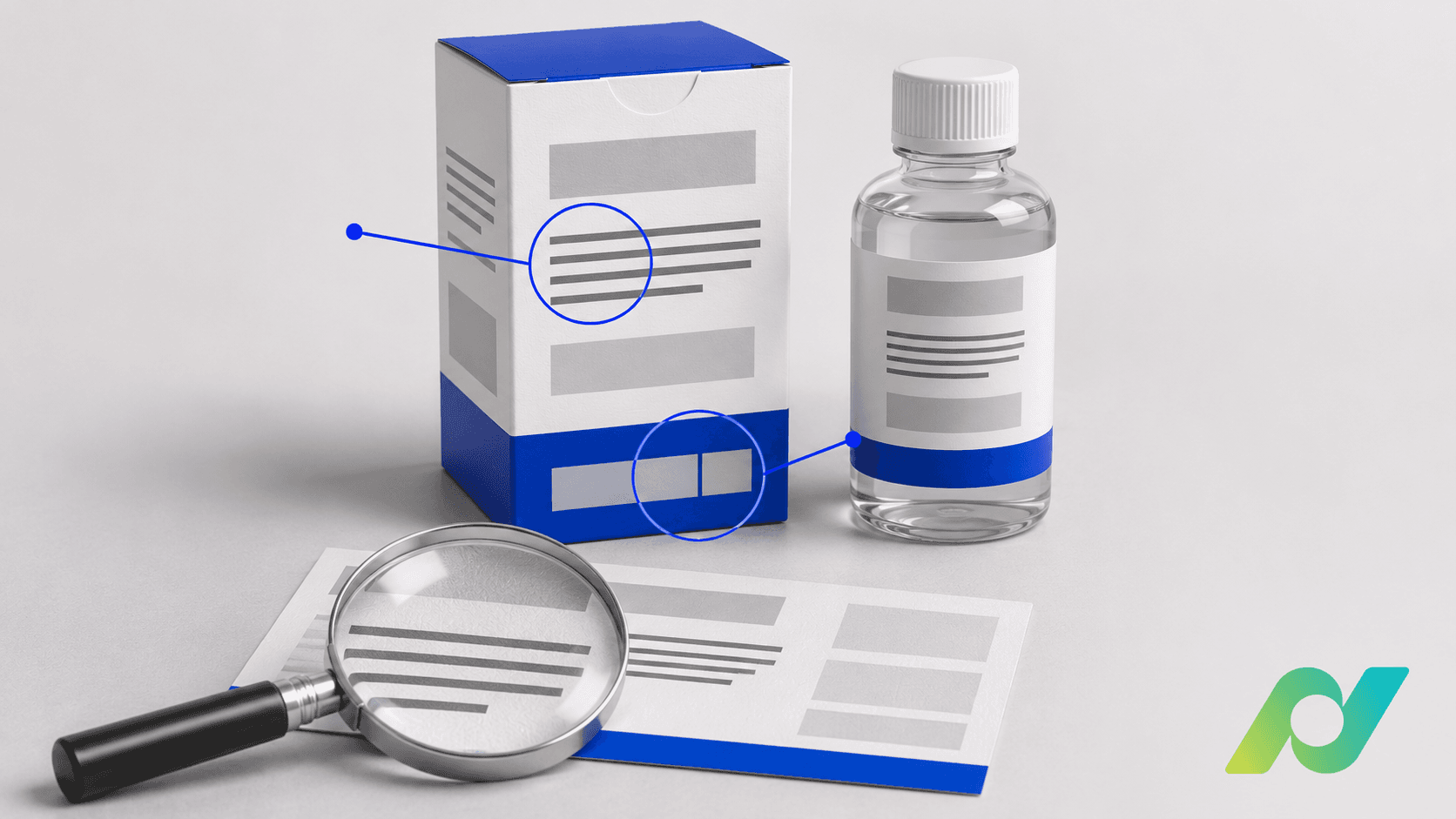
Packaging artwork contains information that calls for different checks. An allergen declaration, a net-content statement and beverage information do not follow a single universal checklist. The product's classification determines which criteria should guide the review.
In its Compliance module, eyeView analyzes the artwork's text and images, runs checks from the selected rule pack and organizes the results for a reviewer. The team can identify potential non-compliances before release, examine the evidence and record a decision against the inspected version.
1. Start with the country and product category
For Brazilian rules, select Brazil and the product category. eyeView lets you choose a category or request automatic detection within the selected country. That identification determines the checklist applied to the artwork.
Rules can be combined. A supplement has its own checks alongside food rules. A beverage combines MAPA checks with other relevant labeling requirements. Brazilian packs also incorporate Inmetro quantitative-declaration checks. Choosing a single agency therefore does not describe the entire review.
If detection cannot establish the category confidently, the run reports a failure and allows another inspection with a manually selected category. The team needs to verify that classification before interpreting the findings.
2. ANVISA: information and warnings on the artwork
ANVISA's food-labeling guidance provides context for information supplied to consumers. In eyeView, the food rule set includes references such as RDC 727/2022, RDC 429/2020 and IN 75/2020.
Implemented checks cover the product denomination, ingredients, origin information, allergen warnings and nutrition-information presentation. The system also has rules to assess the presence and presentation of front-of-pack nutrition labeling where applicable.
Some items include measurements, such as letter height for specific warnings. When information cannot be located or measured reliably, the result requests review. The checklist evaluates the artwork. The people responsible for the product still need to confirm its actual composition and declared data.
3. Inmetro: net content and numeral dimensions
Inmetro identifies Portaria 249/2021 as a reference for quantitative declarations on labels. The module includes checks of the net-content declaration, units, placement and legibility.
A measured rule also checks numeral height against the quantity identified on the artwork. The report presents the values used. Results close to the limit, or with insufficient information, require the reviewer's assessment.
This helps examine whether a layout change has made the declaration too small or unclear. Measurement uses the dimensions of the delivered file. It does not replace checking final production size or physically verifying the quantity filled into a package.
4. MAPA: checks depend on the product type
For beverages, the implemented pack uses references such as Decreto 12.709/2025. Its checklist covers elements such as the sales denomination, responsible-party identification, declared registration and category-specific information, according to the rule being evaluated.
For animal-origin products, checks reference RIISPOA, Decreto 9.013/2017, including SIF inspection-mark elements within the federal inspection context. The regulatory owner needs to confirm the applicable classification and exceptions.
Finding a registration number on a label differs from verifying its authenticity or status in an official database. Read the inspection as an analysis of the artwork and evaluated rules, with the references recorded in the report.
5. Inspection can start automatically after upload
The team can start an analysis in the Compliance panel. An administrator can also enable automatic inspection after document processing, with a fixed category or automatic detection. Another option re-inspects new versions of previously inspected documents.
These options require the Compliance module to be enabled for the organization, AI to be active and sufficient credits to be available. Automatic execution needs configuration. An attempt that did not complete does not mean the artwork was inspected.
Each run analyzes up to the first eight pages. For longer documents, the report states the inspection's scope. The team must check the remaining pages or organize separate files for evaluation.
6. Each finding has a reviewer decision
The report distinguishes Pass, Fail, Needs review and Not applicable. Each item includes an explanation and its regulatory reference. Where evidence is located, the reviewer can navigate to the corresponding artwork region. Measured items show the values supporting the result.
The reviewer confirms or corrects the finding and can add a note. History records who decided and when. The report can also be exported as a PDF to document the work.
A passing item does not certify the product or constitute approval by ANVISA, Inmetro or MAPA. Automated results require human confirmation. The tool supports regulatory checks and preserves the context of decisions.
7. Track the next artwork version too
After corrections, another inspection allows comparison with the previous inspected version in the same category. eyeView highlights corrected items, regressions and new rules found in the comparison. Changes to the rule pack also need to be considered when reading the results.
Suppose the team enlarges the net-content statement and adjusts a warning. The next report helps check those corrections and investigate changes to other items, keeping the review tied to the analyzed version.
To evaluate Compliance for your packaging, label and tag workflow, explore eyeView. Start with the correct category, examine the evidence and record the responsible reviewer's decision before release.