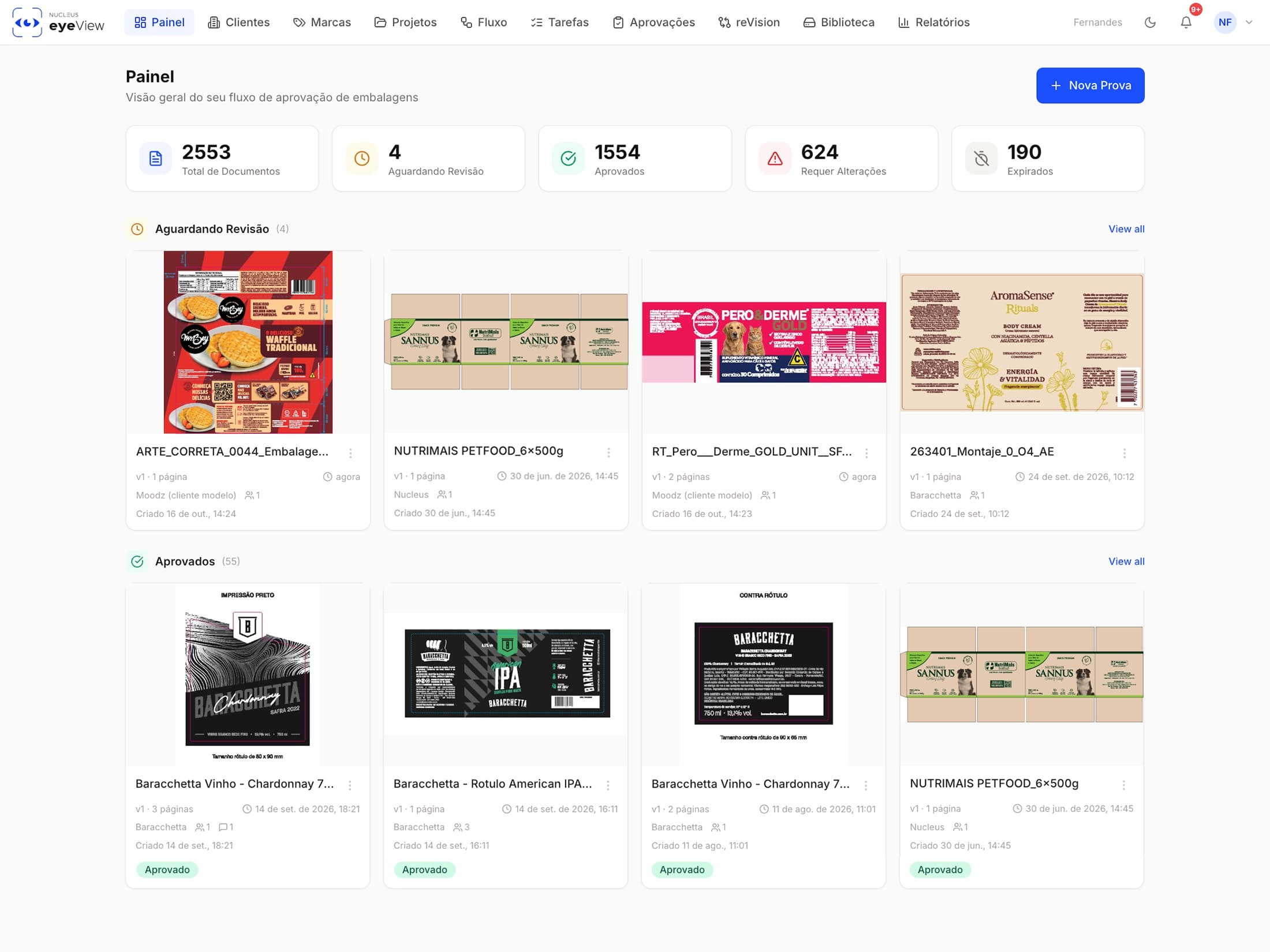
Centralize your approvals and files in one intelligent platform
No more information lost in emails, phone calls and scattered notes. EyeView brings files and decisions together in one place for fast, clear and secure approvals.
Smart collaboration
Brings designers, prepress teams and approvers into the same visual space. Comments and decisions stay attached to the file, cutting out the noise.
Real-time monitoring
Lets your team review the same PDF simultaneously, follow changes live and make decisions without lengthy email exchanges.
Automatic error detection
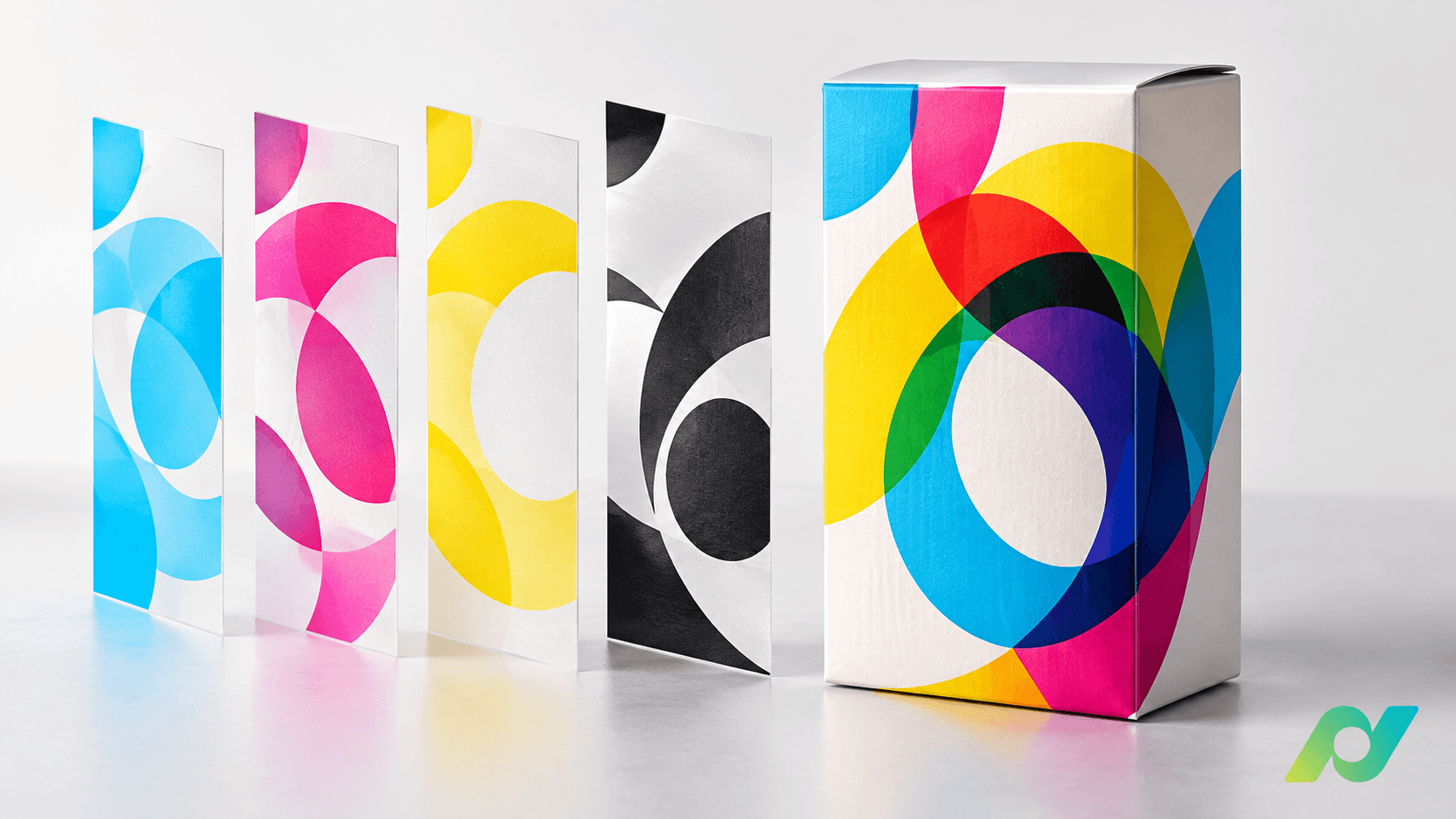
Compares files pixel by pixel to flag differences and missing elements between versions, ensuring what gets printed is identical to what was approved.
A viewer with everything you need
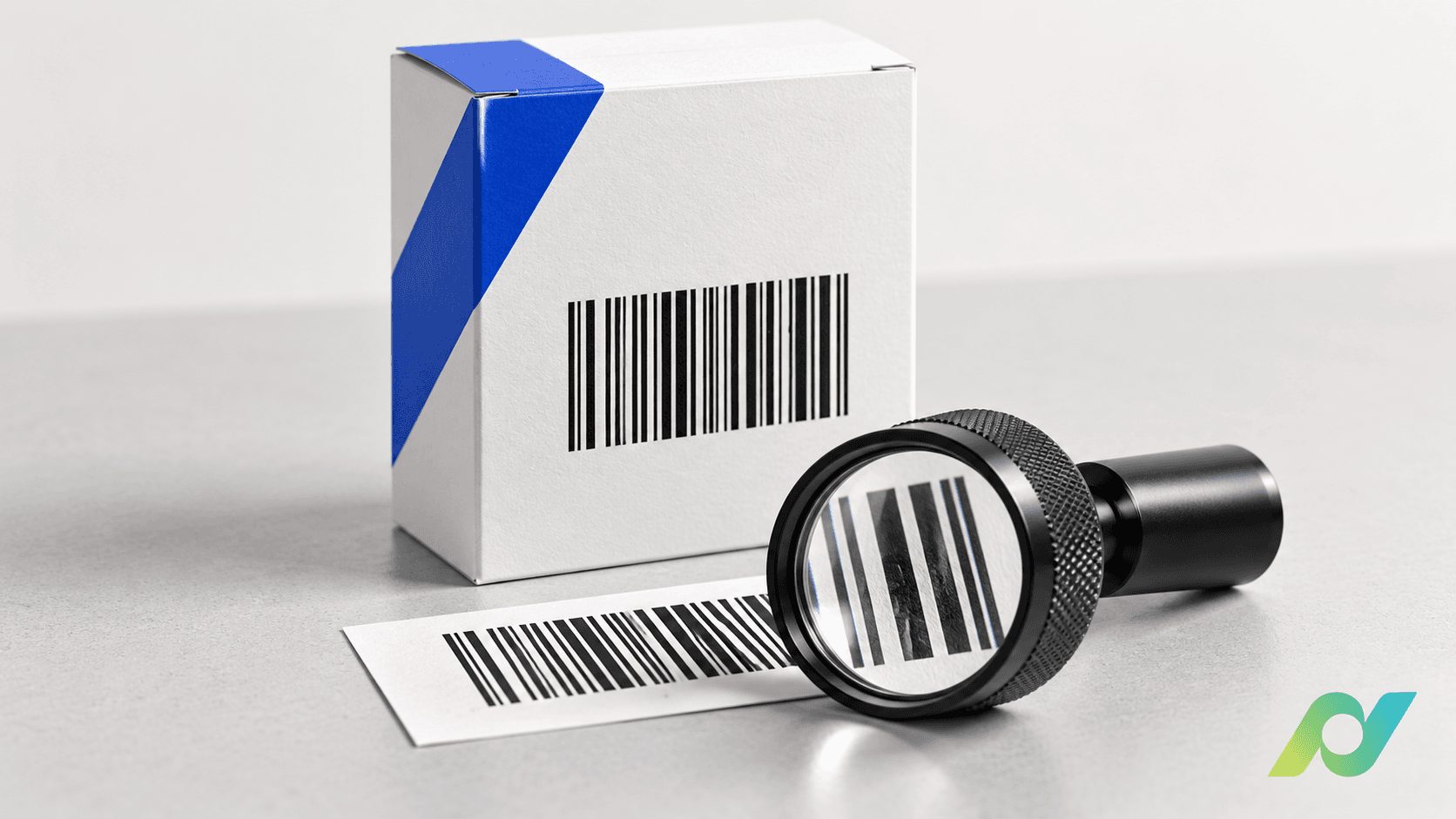
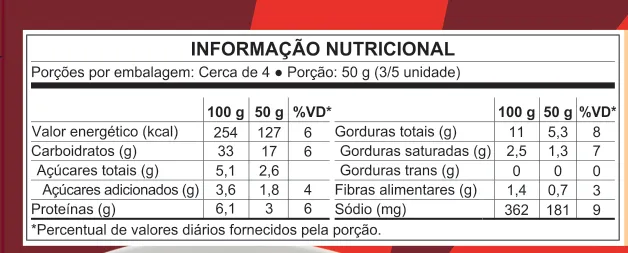
Pixel-Level Zoom for Packaging Artwork Inspection
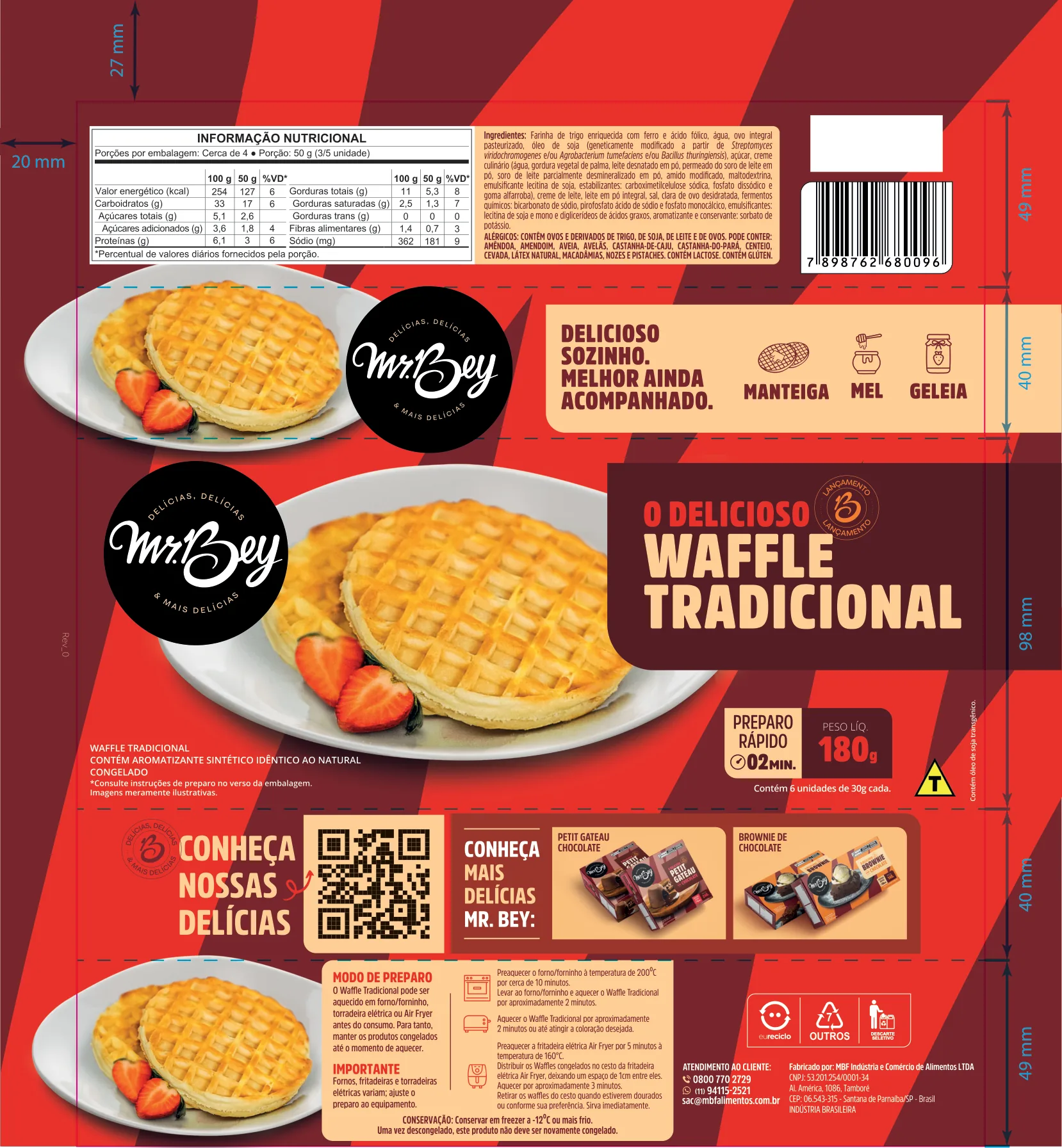
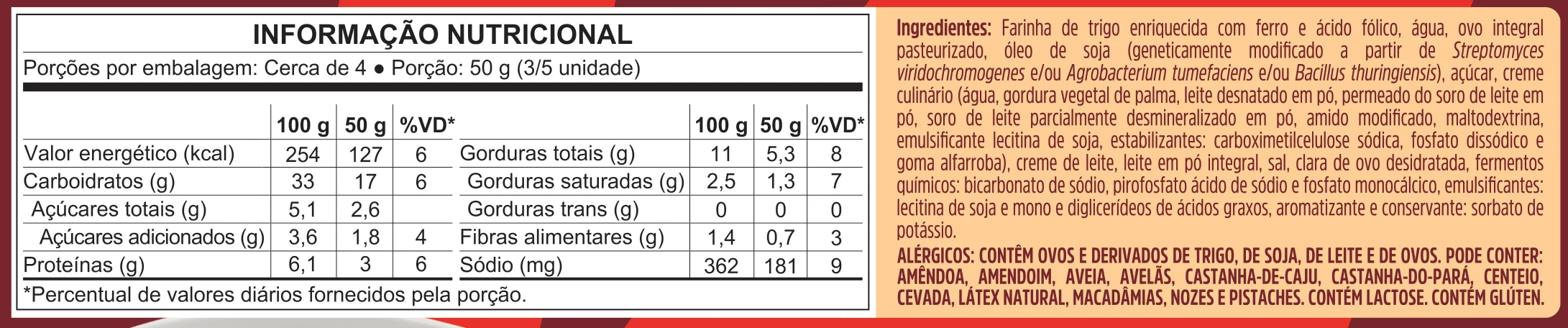
Safe, efficient reviews
Fewer errors, fewer reprints and more confidence
- Compare file versions side by side
- AI that spots differences pixel by pixel
- Automatic alignment between versions
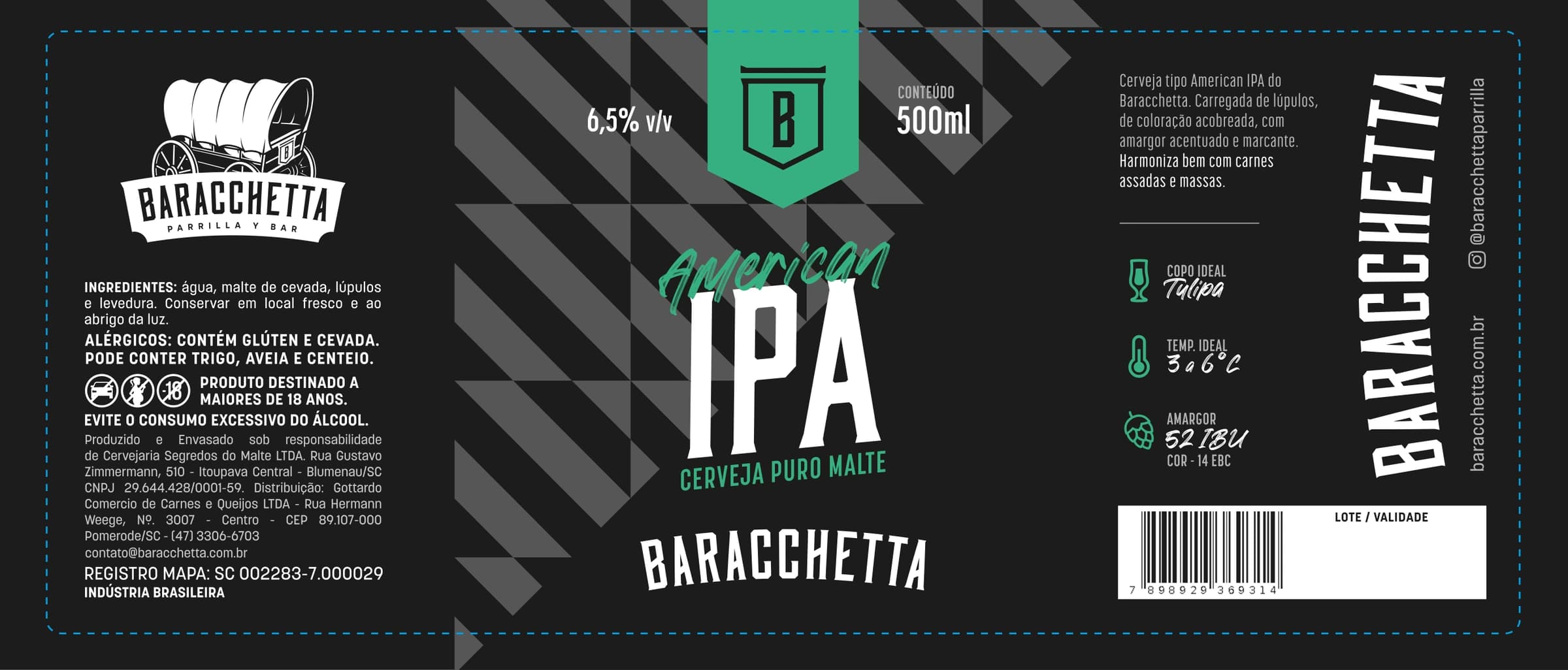
Your portfolio under control
Organize your files by client, brand, SKU and component
- Complete history, nothing ever deleted
- GTIN and net content linked to each SKU
- Supplier delivery via a tracked, revocable link

Carton · v4
Carton · v4
Net content
GTIN linked to the SKU
Sent to the supplier
EyeView integrates seamlessly with the tools you use every day

 Nucleus ClicheOne
 Google Drive
 Dropbox
 Claude (Anthropic)
 WhatsApp
 SharePoint / OneDrive
EyeView inside your system
Integrate the EyeView viewer into your system through our API and SDK and access the visualization tools directly in the platform your company already uses.
RESTful API
SDK Libraries
Webhooks
CLI Tool
1import { EyeView } from '@eyeview/sdk'23const client = new EyeView({4apiKey: process.env.EYEVIEW_API_KEY5})67// Upload artwork for review8const project = await client.projects.create({9name: 'Q2 Packaging Update',10sku: 'PKG-2026-001'11})1213// Start automated visual comparison14const review = await client.reviews.compare({15projectId: project.id,16base: 'v1.2',17target: 'v1.3'18})
Trusted by innovative teams
“EyeView transformed our quality control process. We catch defects 10x faster ”
Marcelo Costa
Gerente Produção, Embalagens Diadema