Aprove arte de embalagem em horas — sem retrabalho na máquina
Centralize aprovações entre cliente, prepress e produção. Pegue erros antes da chapa, valide cada versão e mantenha sua máquina rodando.
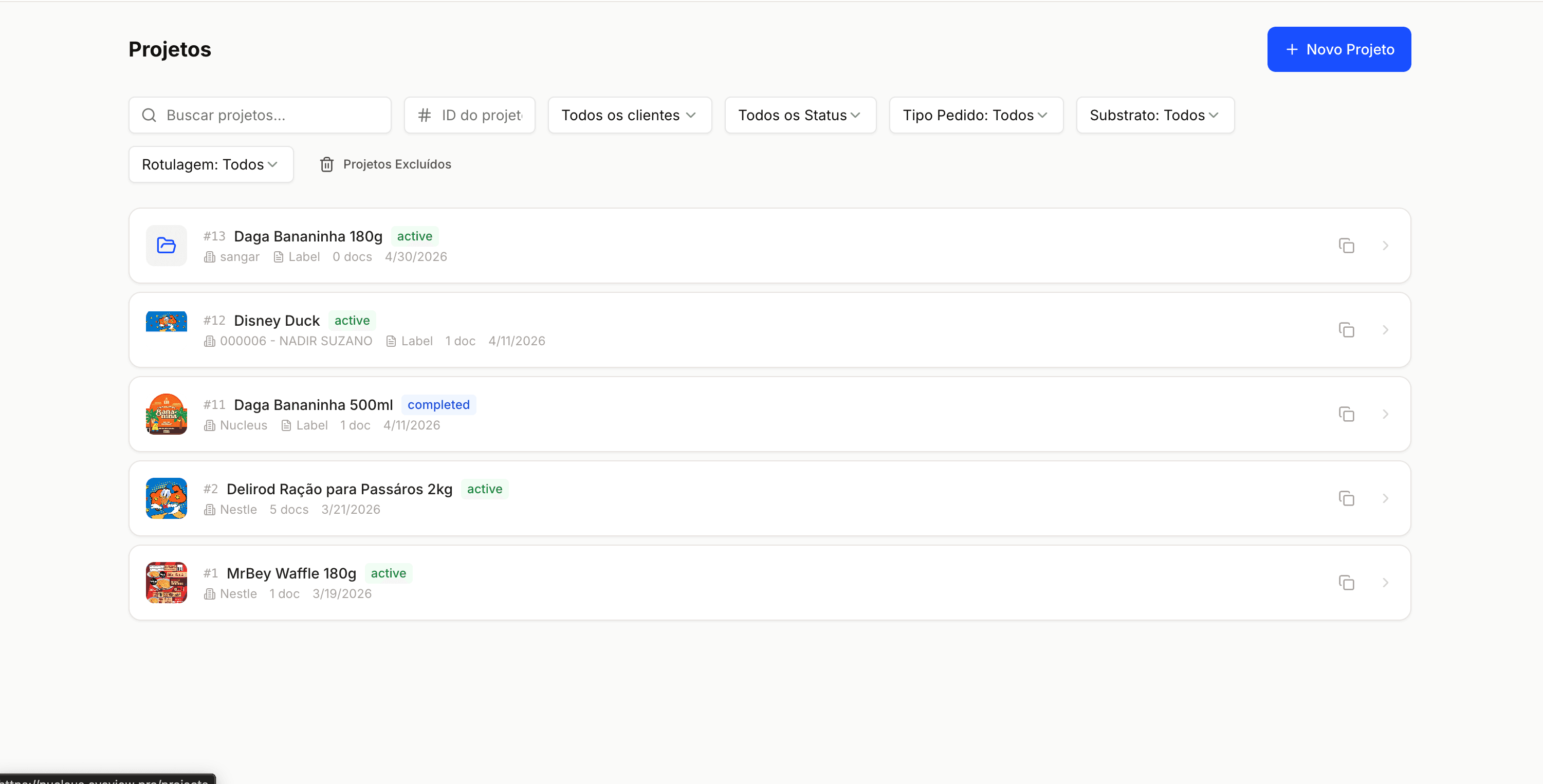
Velocidade e precisão no ritmo da sua produção
Gargalos de aprovação, versões desencontradas e arte chegando errada na máquina custam refugo e tempo de máquina parada. O eyeView resolve isso reunindo cliente, prepress e produção no mesmo fluxo — com validação automática, comparação de versões e aprovação online.
Aprovação de arte, da arte do cliente à OS
Feito para quem entrega no prazo, sem refugo
Veja como vai sair impresso
Visualize cada tinta antes da chapa. Cores especiais, brancos, vernizes — todos no mesmo lugar, com toggle por canal e opacidade ajustável.
- Todas as cores especiais visíveis
- Branco e verniz como camadas próprias
- Confere registro entre canais
Compare versões em segundos
Apontamos o que mudou de uma versão para outra. Cor, texto, posição e registro destacados lado a lado.
- Diferenças marcadas sobre a arte
- Antes e depois lado a lado
- Pega regressões que o olho não vê
Cobertura de tinta na ponta dos dedos
Veja onde tem tinta demais antes de imprimir. Por página, por canal e por cliente.
- Cobertura por página
- Cobertura por canal
- Útil para orçar tiragens
Validação automática antes da máquina
Erros que custam refugo são pegos antes da chapa. Brancos faltando, sobreposições, fontes não embarcadas — tudo apontado de uma vez.
- Validação rodando em segundo plano
- Severidade por achado
- Configurável por cliente
Áreas de corte e sangria visíveis
Sangria, corte e área de segurança sobrepostos à arte. Sem surpresa na máquina nem na facaria.
- Todas as áreas do PDF visíveis
- Cores configuráveis
- Dimensões em mm ou polegadas
Cliente aprova direto no navegador
O cliente revisa e aprova pelo link. Você recebe a decisão e a arte aprovada vai pra produção, vinculada à OS.
- Sem app, sem login pro cliente
- Aprovação vinculada à OS
- Notificação automática quando aprova
Do briefing à chapa, sem gargalo
Receba a arte
A arte chega, o eyeView organiza versões e separações automaticamente. O viewer abre em segundos.
Valide e compare
Validação automática roda em segundo plano. Compare contra a versão anterior — diferenças destacadas lado a lado.
Aprovação do cliente
Envie o link. Cliente aprova direto. Versão aprovada vai pra produção, vinculada à OS.
